 ManeDraft
AI hairstyle try-on for Android
Preview your next hairstyle before you book the cut.
ManeDraft uses AI to create hairstyle previews from your own photo. Pick a style from the library, describe any hairstyle in a sentence, or upload a photo of a hairstyle you like, then show the result to your stylist.
For adults 18+. Previews are AI-generated references, not a promise of how your haircut will turn out.

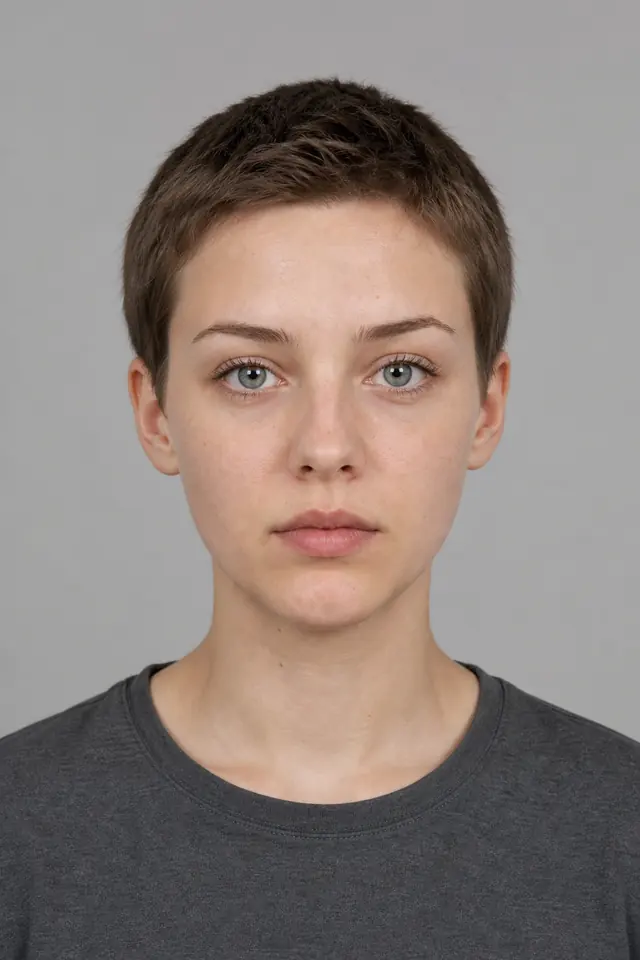
Original photo
Example person is computer-generated. Previews are AI-generated references.
How it works
Start from a style, a sentence or a photo
Add a front photo of yourself, then choose how to create your look.
-
Pick from the library
Browse ready-made styles and try any of them on your photo.
-
Describe any hairstyle
Type what you want in a sentence. Any cut, any color.
-
Copy a look from a photo
Upload a picture of a hairstyle you like and see it on you.
-
Edit a look and see every angle
Ask for changes like “a bit shorter”, and view the look from the side, back and top.
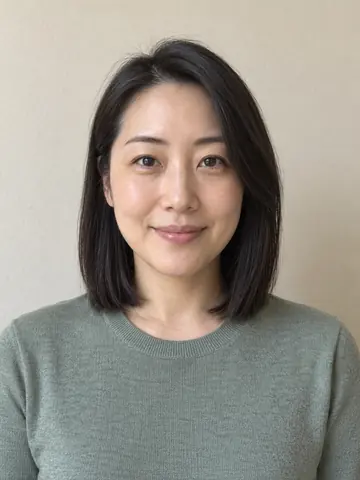
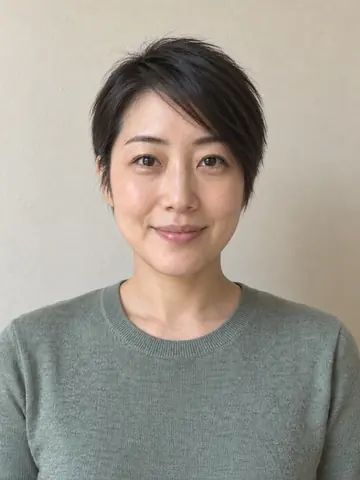

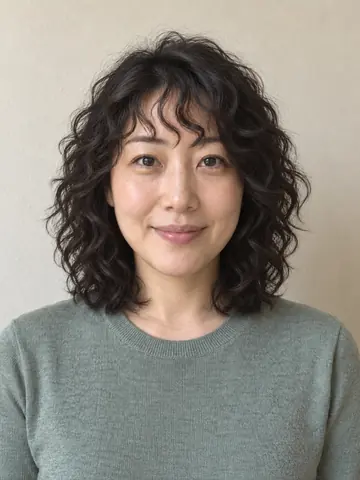
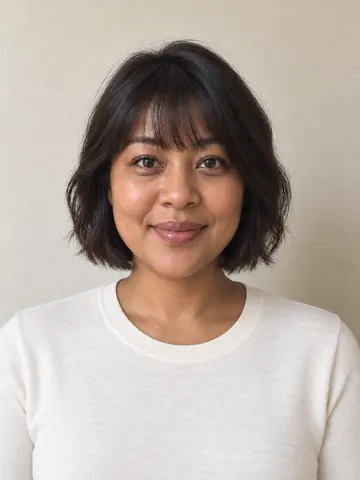
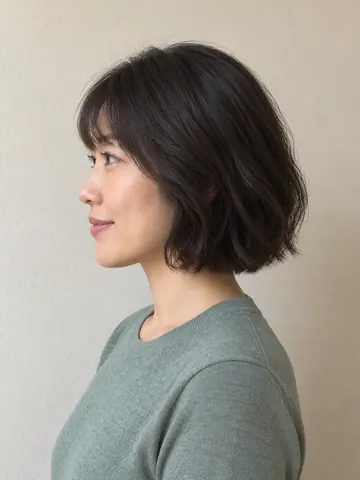
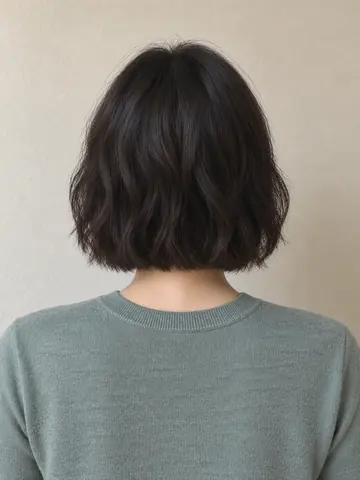
Then choose the views you want: front, left side, right side, back and top. Each view is one AI-generated preview image. You see the cost in credits before you confirm, and we'll let you know when your preview is ready.
Images in this section are illustrations. Example people are computer-generated.
Style library
52 styles to start from
Men's and women's cuts by length and texture. Not in the library? Describe any hairstyle or upload a photo of one.
-
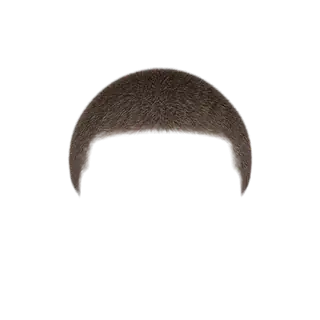
Buzz Cut
-
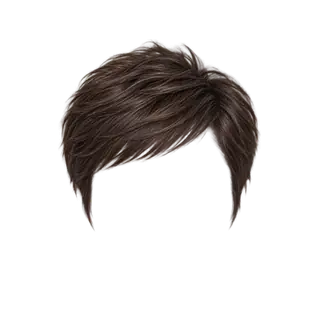
Classic Pixie
-
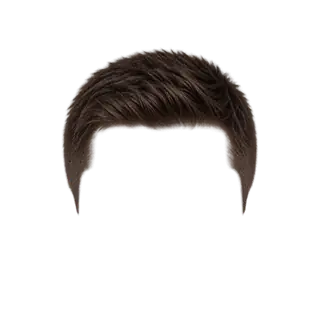
Crew Cut
-
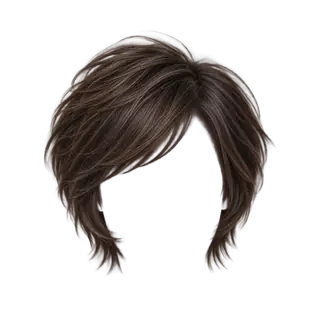
Bixie Cut
-
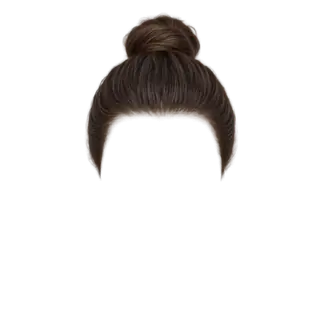
Man Bun
-
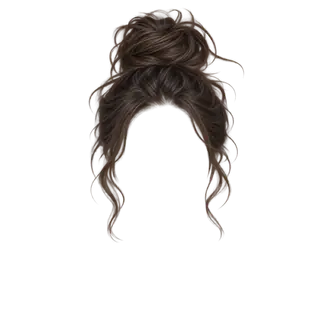
Messy Top Knot
-
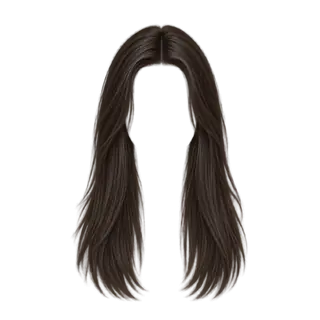
Long Straight Middle Part
-
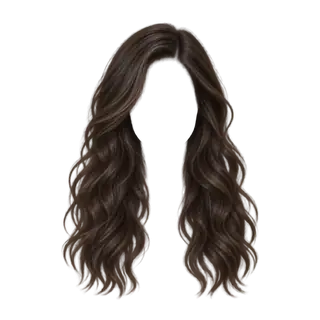
Long Beach Waves
-
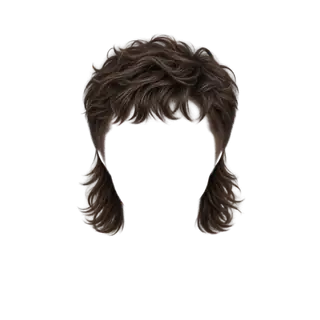
Modern Mullet
-
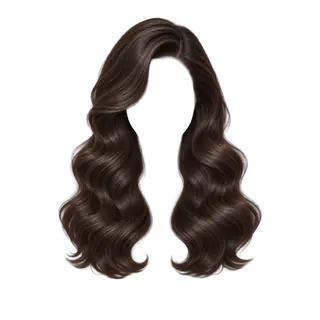
Hollywood Waves
-
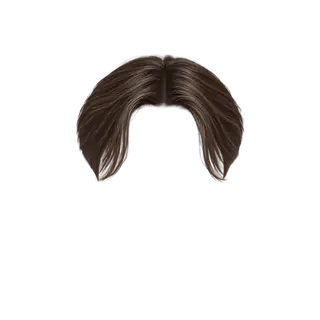
Middle Part Curtains
-
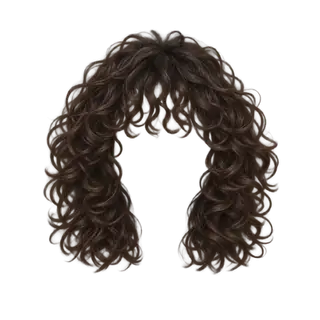
Curly Shag
-
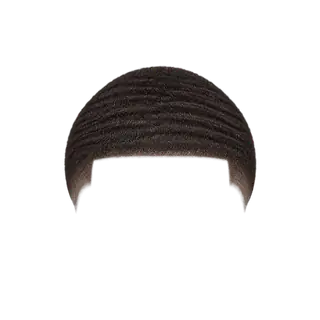
360 Waves
-
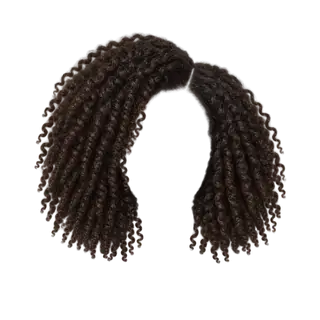
Twist-Out
-
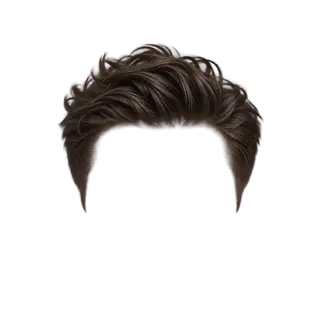
Textured Quiff
-
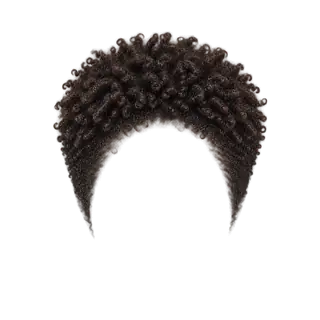
Tapered Coily Cut
-
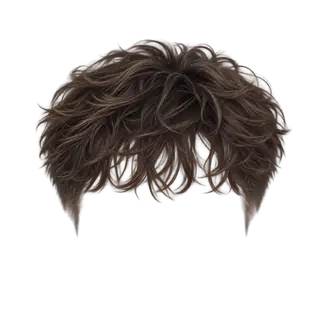
Messy Fringe with Low Taper
-
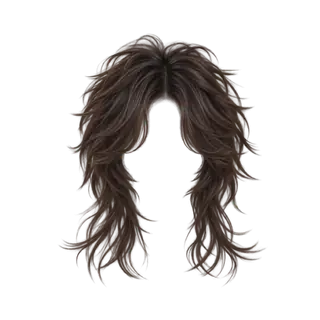
Wolf Cut
-
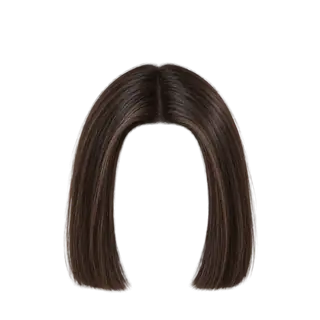
Chin-Length Blunt Bob
-
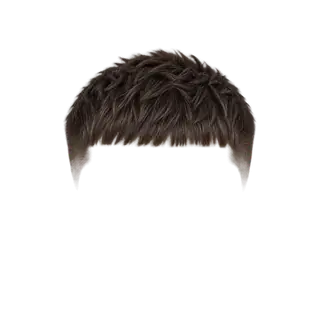
Textured Crop with Low Fade
-
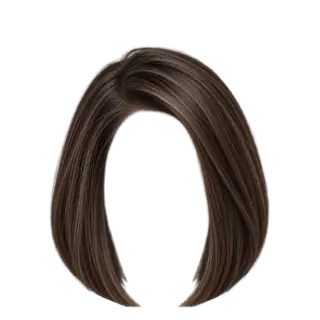
Angled Bob
-
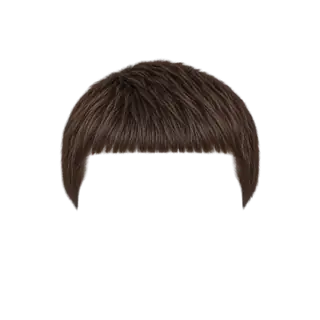
Caesar Cut
-
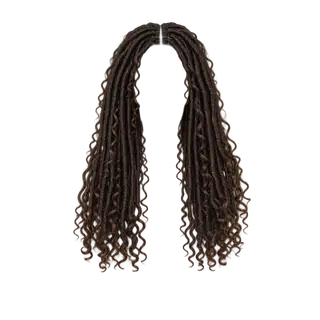
Goddess Locs
-
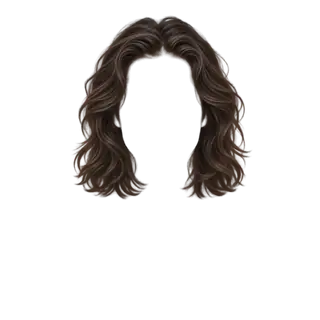
Shoulder-Length Waves
-
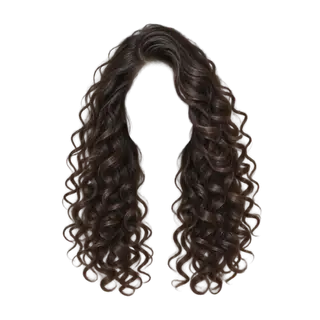
Long Curly Layers
-
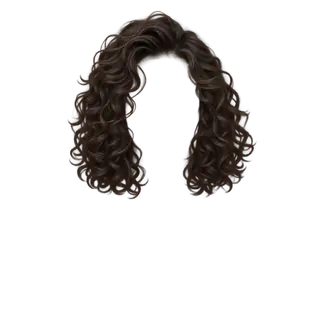
Shoulder-Length Curls
-
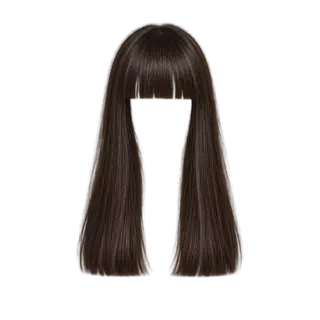
Long Straight Hair with Blunt Bangs
-
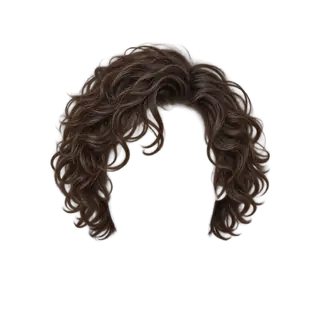
Tousled Medium Curls
-
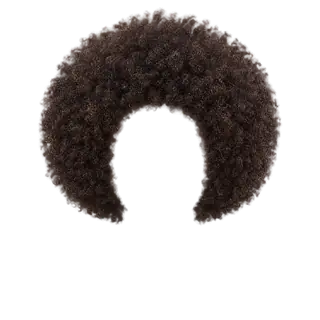
Rounded Afro
-
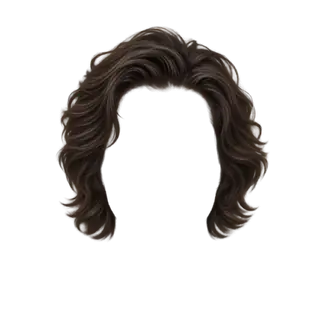
Wavy Flow
-
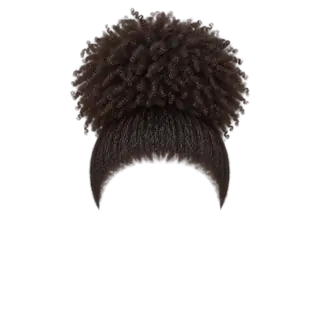
High Puff
-
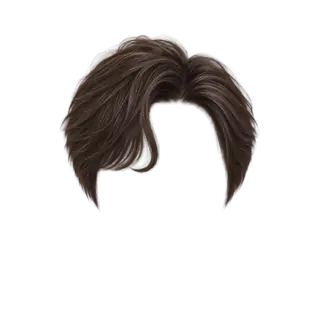
Comma Hair
-
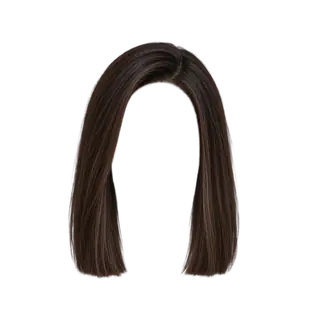
Sleek Lob
-
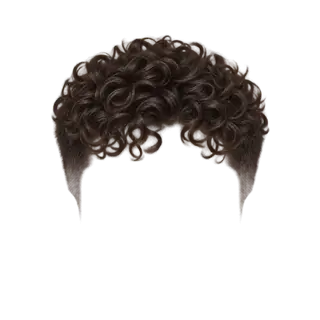
Curly Top with Taper Fade
-
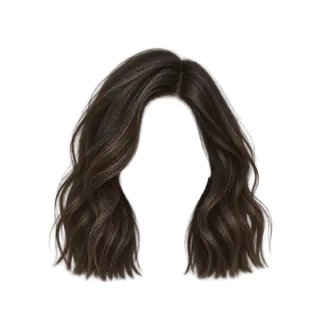
Wavy Collarbone Lob
-
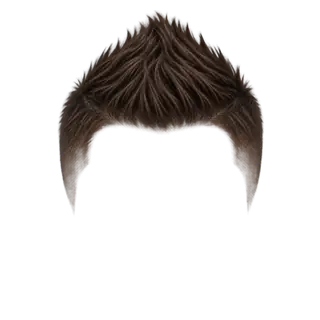
Faux Hawk Fade
-
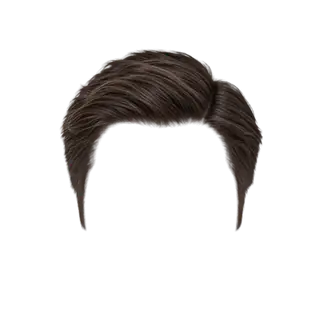
Classic Side Part
-
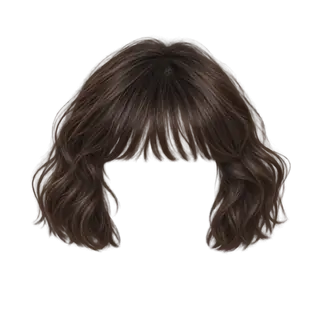
Wavy French Bob
-
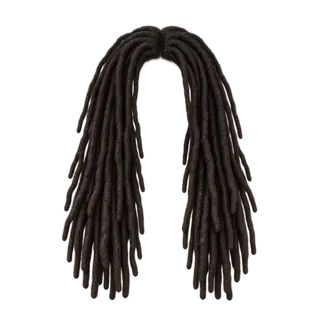
Long Locs
-
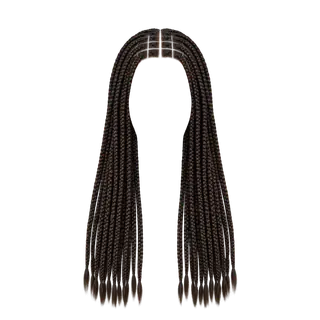
Long Box Braids
-
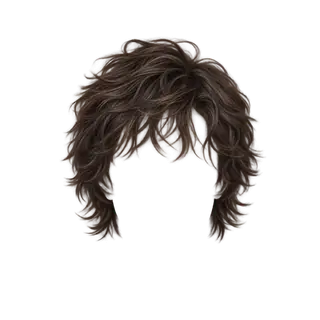
Textured Shag
-
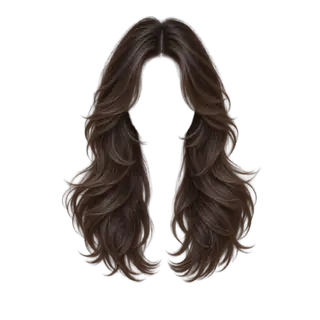
Butterfly Cut
-
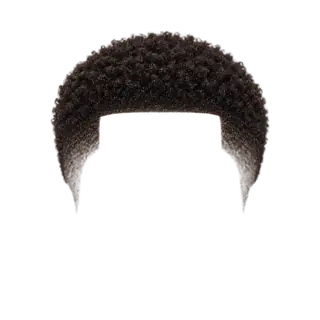
Short Afro with Taper Fade
-
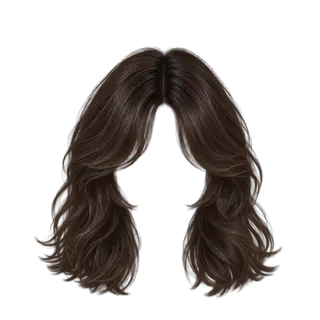
Curtain Bangs Layered Cut
-
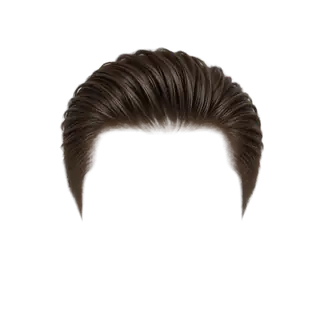
Slick Back with Taper
-
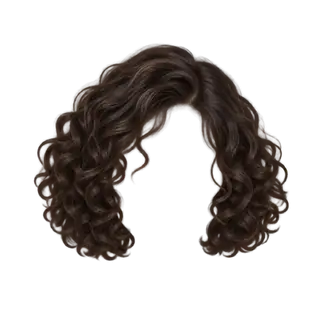
Curly Bob
-
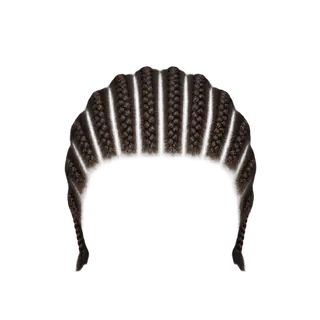
Straight-Back Cornrows
-
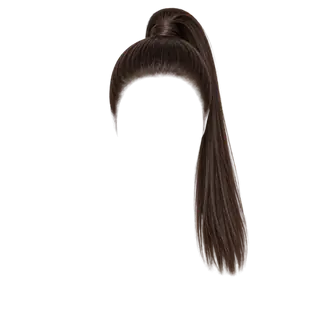
Sleek High Ponytail
-
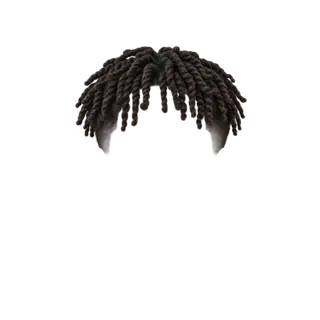
Two-Strand Twists with Taper
-
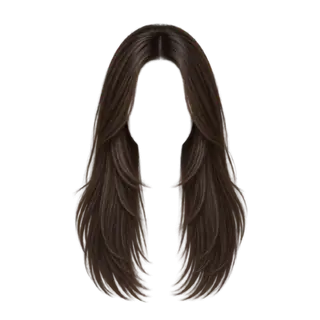
Long Layers
-
High Top Fade
-
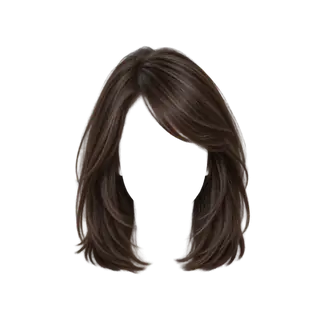
Shoulder-Length Layers with Side Bangs
Show my stylist
Made for the salon chair
A picture is easier to talk about than "a bit shorter on the sides". Show my stylist mode puts your look on the screen and keeps everything else out of the way.
- Swipe through every view of a look and zoom in for detail.
- Use Show my stylist mode to present your AI-generated preview full screen.
- Keep a look on your phone to show your stylist even when you're offline.
- Add side, back or top photos so those views are based on your own photos. Without them, those views are estimated by the AI and labeled that way.
Previews are AI-generated references. Your result depends on your hair and your stylist.
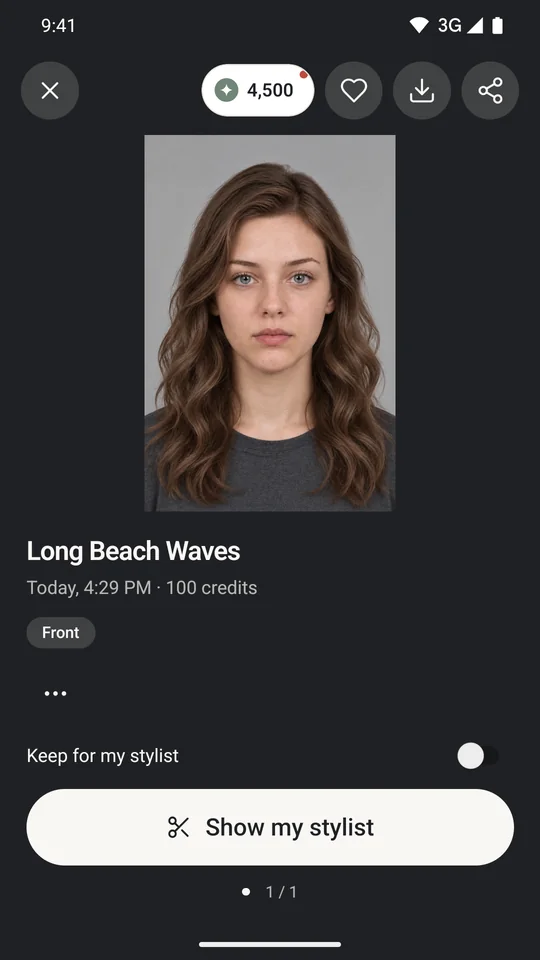
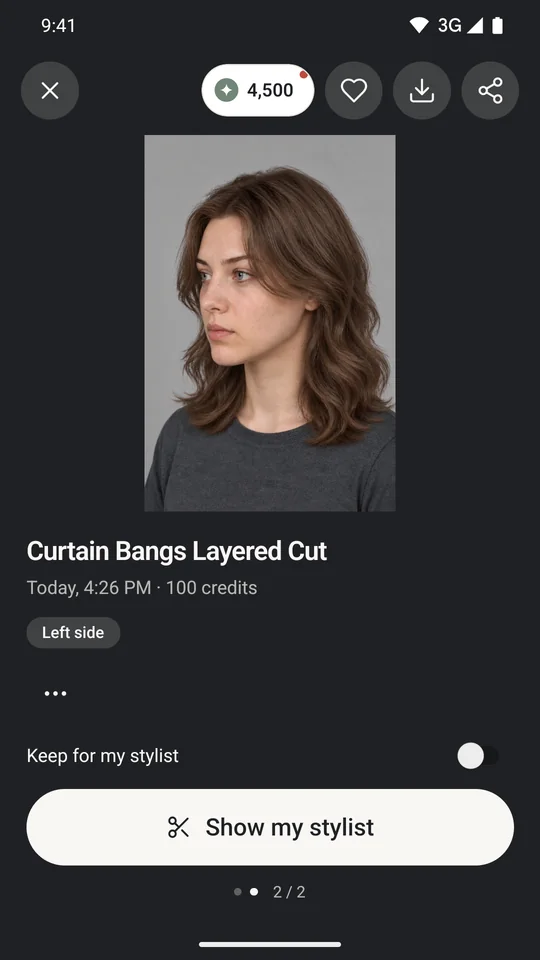
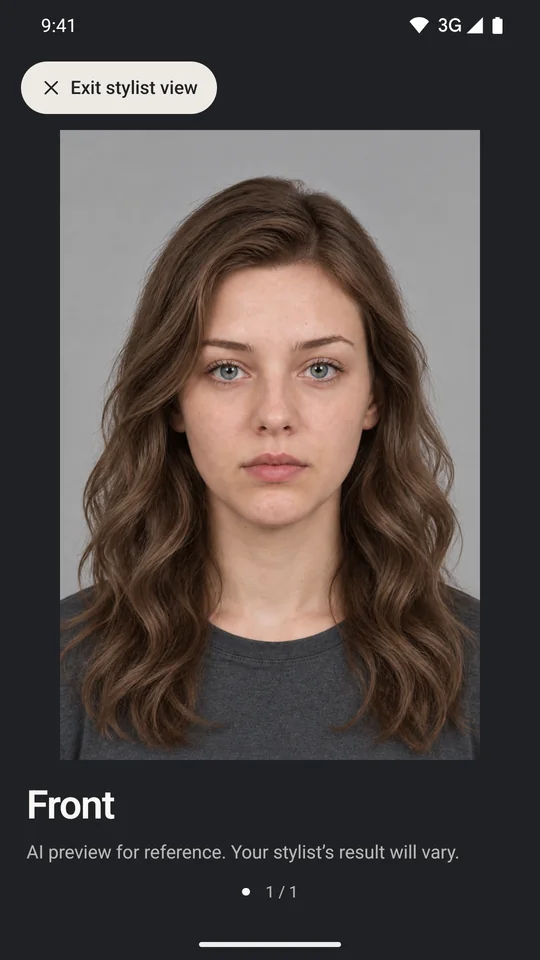
App screenshots show an example look. Example person is computer-generated.
Privacy
A private gallery, not a feed
Private by design
Your photos and looks stay in your private gallery. There's no public feed and no followers. You can share a look with a link and turn the link off at any time.
Delete at any time
Delete a photo, a look or your whole account in the app. You can also use the account deletion page.
Used to make your previews
Your photos are sent to our AI image provider only to create your previews. Our Privacy Policy explains how your data is handled. A hairstyle reference photo is used only to copy the hairstyle onto your own photo.
Credits and plans
You see the cost before you confirm
Credits per view
Each view is one image, paid for with credits. Credits for a view that fails are returned.
Welcome and daily credits
New accounts get welcome credits, and you can collect a daily bonus. These credits are limited and expire. You can also choose to watch a short ad to earn extra credits.
Monthly plans and credit packs
Basic, Plus and Pro plans add credits every billing period and renew automatically until you cancel in Google Play. One-time credit packs are also available.
Google Play shows the price in your local currency before you buy.
FAQ
Questions and answers
Something else? Contact support.
How are the previews made?
ManeDraft uses AI to create hairstyle previews from your own photo and the style you choose or describe. These are AI-generated references; your actual haircut may look different depending on your hair and your stylist.
Can I try a hairstyle that isn't in the library?
Yes. Describe any hairstyle in a sentence, or upload a photo of a hairstyle you like and ManeDraft copies the hairstyle onto your own photo. The reference photo is used only for that.
Can I change a look after it's made?
Yes. In My Looks, pick a look and describe the change you want in a sentence, such as “a bit shorter”. The result is saved as a new look and the original stays as it is. Each new image costs credits, and you see the cost before you confirm.
What photos do I need?
Start with a front photo of yourself showing only you. You must be 18 or older. You can also add left-side, right-side, back and top-view photos. Views without a matching photo are estimated by the AI and labeled “AI-estimated view”. To copy a look, you can also add a reference photo of a hairstyle you like. It may show another adult, but never anyone under 18, and it must be a photo you have the right to use.
Who can see my photos?
Your photos and looks stay in your private gallery, with no public feed. If you turn on a share link for a look, anyone with the link can see that look and your display name until you turn it off. When you confirm a generation, the photos needed for it, including any hairstyle reference photo, are sent to our AI image provider only to create your previews. Authorized staff may view them when needed for a report, a support request or suspected abuse; each view is logged. See our Privacy Policy for details.
How do I delete photos, looks or my account?
Delete individual photos or all your photos in Profile → Photos, and delete a look from its menu in My Looks. To delete your account, go to Profile → Settings → Delete account or use the account deletion page. A hairstyle reference photo is deleted when you delete the look made from it. Account deletion cannot be undone. It does not remove images you have saved to your phone or shared with others.
How do credits work?
Each view is a separate AI-generated preview image paid for with credits. The app shows the cost per view and the total before you confirm. Credits for a view that fails are returned. Welcome and daily bonus credits are limited and expire; optional rewarded ads, monthly plans and one-time credit packs offer other ways to get credits.
How do I manage or cancel a subscription?
Monthly plans renew automatically until you cancel. Use Settings → Manage subscription in the app or manage subscriptions in Google Play. After cancelling, you keep your plan and its remaining credits until the end of the period you paid for. The account deletion form offers to cancel future renewals; if you do not choose that or cancellation fails, cancel in Google Play to stop future charges.
How old do I need to be?
ManeDraft is for adults aged 18 and over. Your own photos must show only you. A hairstyle reference photo may show another adult. Never upload a photo of anyone under 18.
Where can I use ManeDraft?
ManeDraft is an Android app, available now on Google Play in the United States and Canada.
How can I contact you?
Email [email protected]. Our support page explains what to include and has links for account deletion and subscription management.
Try it on your own photo.
For adults 18+. Available on Google Play in the United States and Canada.